
Make it move.
Choose a photo, describe the motion, and set the duration and resolution for your video.
IMAGE TO VIDEO / NEW POSSIBILITIES
Start with an image. Shape what happens next.
Create short AI videos with Vidifier.
Available on the App Store. Generation uses credits; offers and pricing are shown in the app.
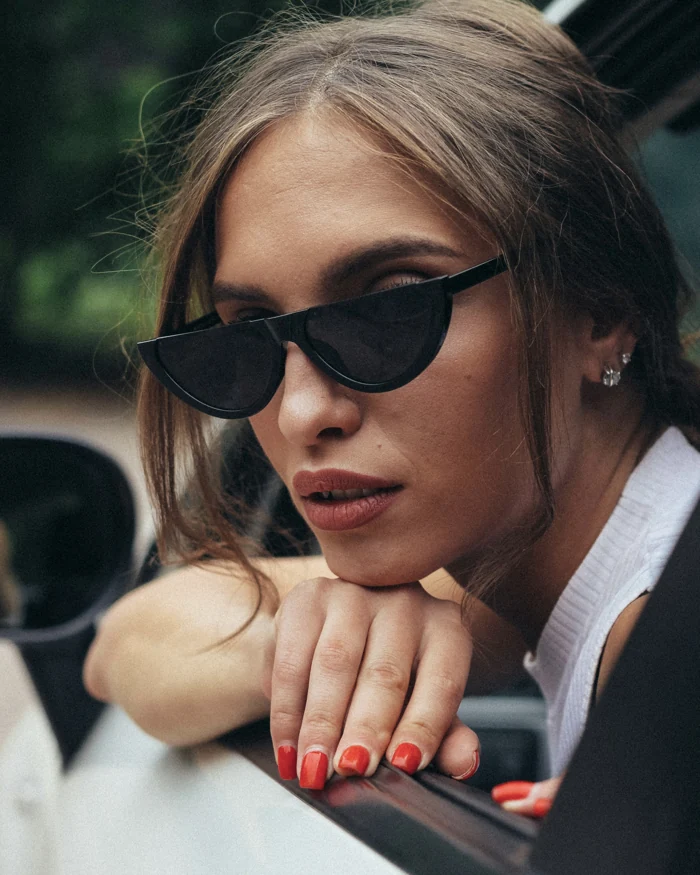
Same starting image. A new sense of movement.
Press play to see an example generated with Vidifier.
YOUR CREATIVE WORKSPACE
Make a video, refine an image, or return to a creation you want to take further.
Choose a photo, describe the motion, and set the duration and resolution for your video.
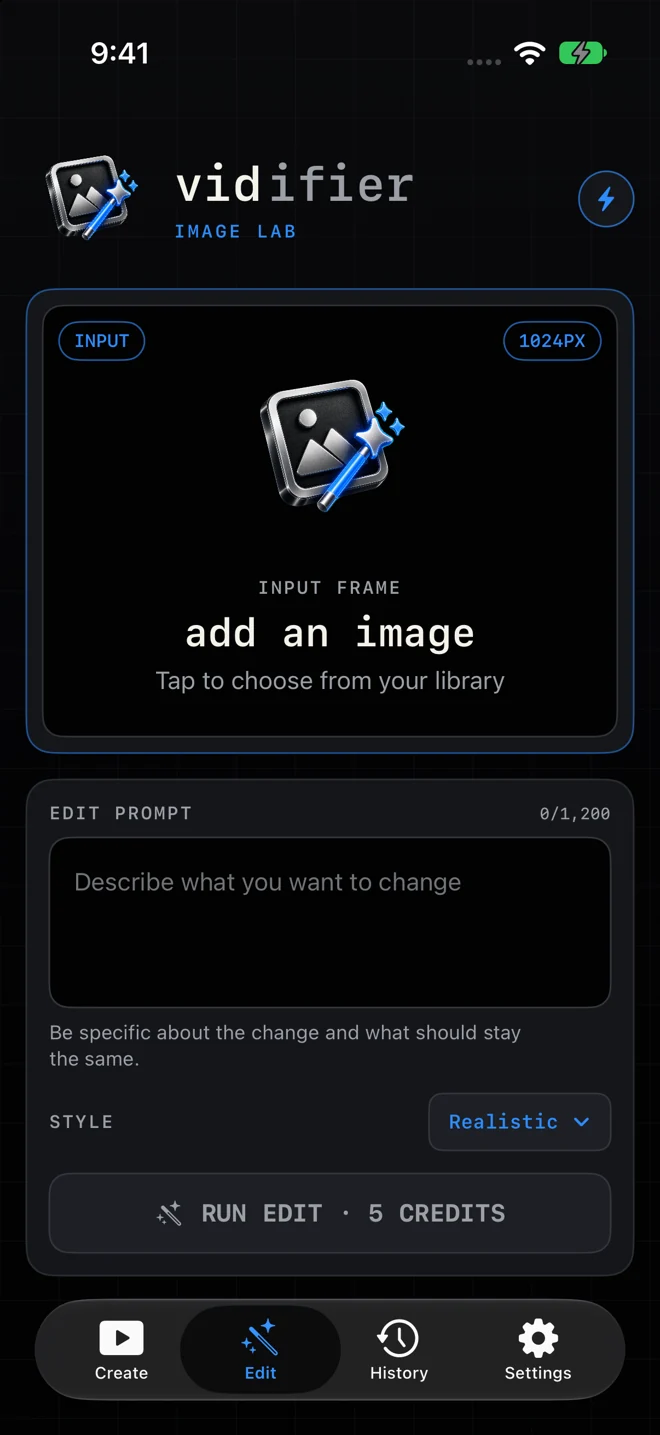
Describe what you want to change in an image. Use the result as a fresh starting frame.

Revisit creations in your local history. Save your finished media and share it when you’re ready.
FROM PHOTO TO FINISHED TAKE
Start with a photo from your library. Pick an image you have permission to use.
Describe a camera move or an action. Adjust the settings to suit your idea.
Review the result, save a copy, and share your creation.
INSIDE VIDIFIER
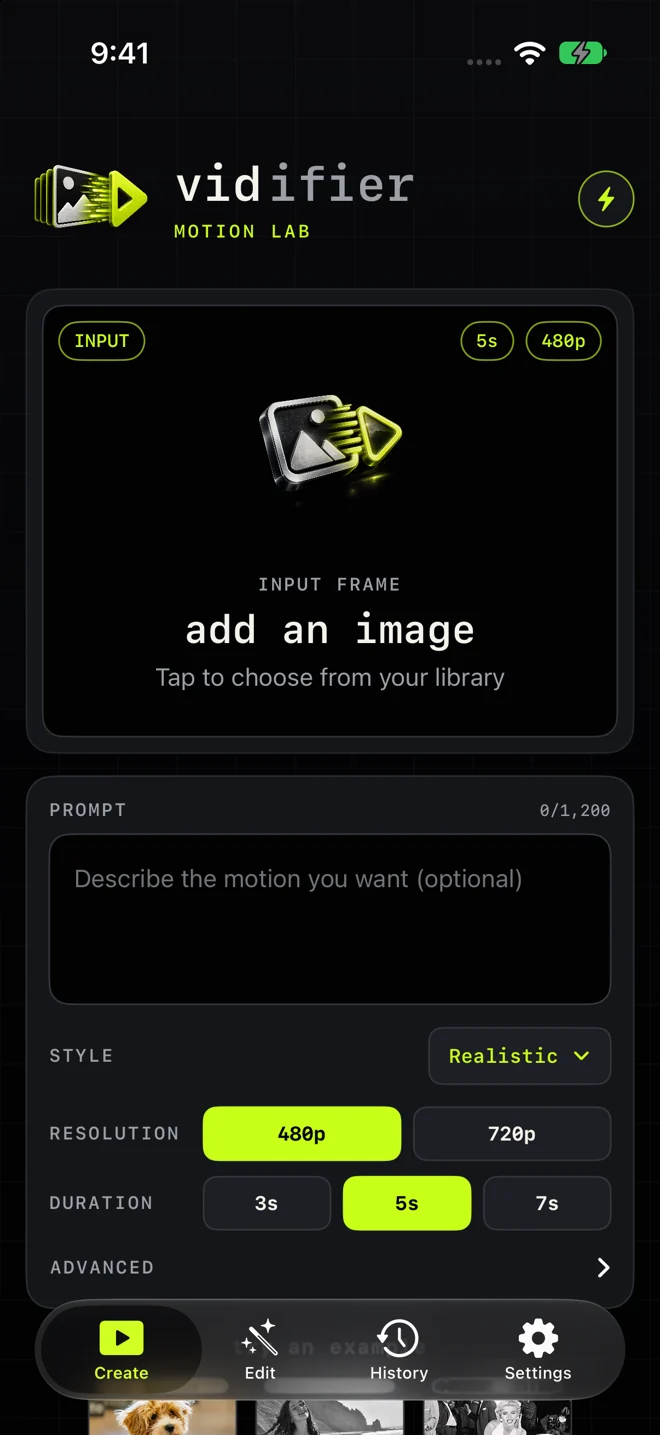
A focused workspace for the image, the instruction, and the result.
A FEW USEFUL DETAILS
Realistic, Cinematic, Dreamy and Vintage add visual direction to your prompt. Original adds no style text. Read the prompt style guide for the exact wording and a prompt preview.
Turn a still image into a short AI-generated video, or edit an image by describing the change you want. Results vary with your input and instructions.
The app shows the credit cost before generation. Current subscription offers, trial eligibility, credit allowances and prices are shown in the app and Apple’s purchase interface.
History and downloaded creations are stored on your device. Save independent copies of anything you want to keep; Vidifier is not a backup service.
Selected photos and prompts are sent to AI service providers to create your results. Read our Privacy Policy for processing and storage details.
Visit Support for help with generation, saved media, subscriptions and contacting us.